Run your website from your phone.
The Awning & Pixel mobile app comes with every subscription. You use it to see who contacted you through your website, make changes to it, message us and check how many people visited.
You find out the moment someone writes in.
The app notifies you on your phone as soon as a customer fills out the contact form on your website. You do not need to keep checking your email.
You see the customer’s name and what they need. Their contact information is right there when you want to call them back.
Make small changes yourself.
You can change things like your hours, the notice at the top of the page and the paragraph about your business. The app checks each change before it is published so a typo does not break your website.
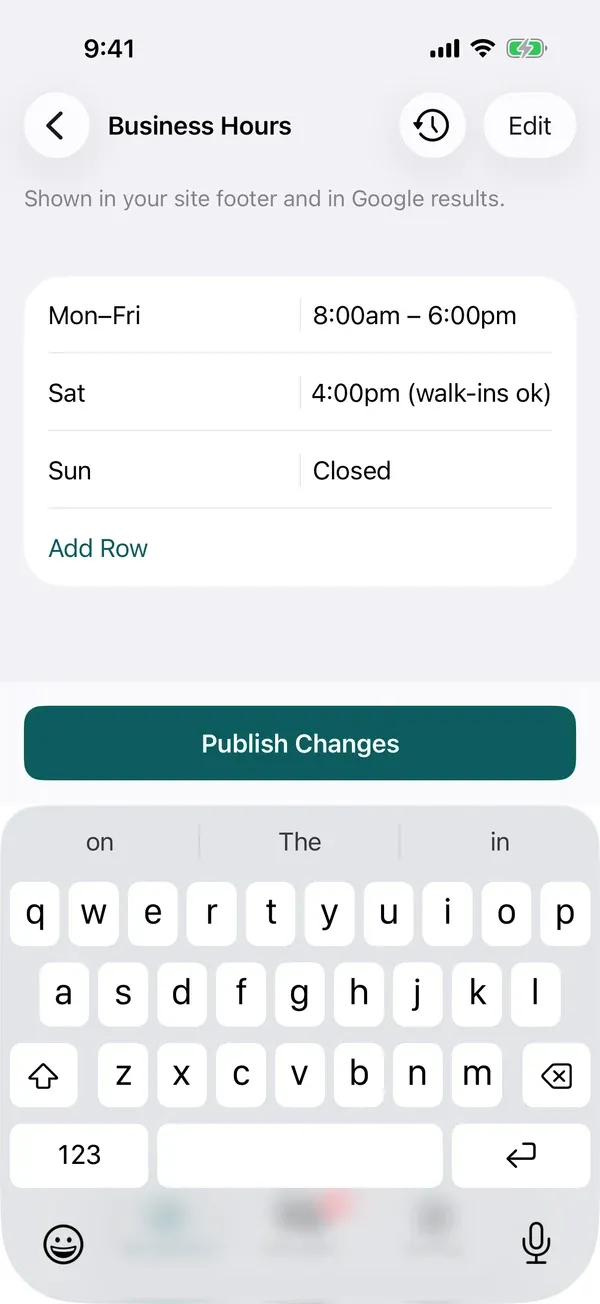
EditTyping in new Saturday hours takes about ten seconds.
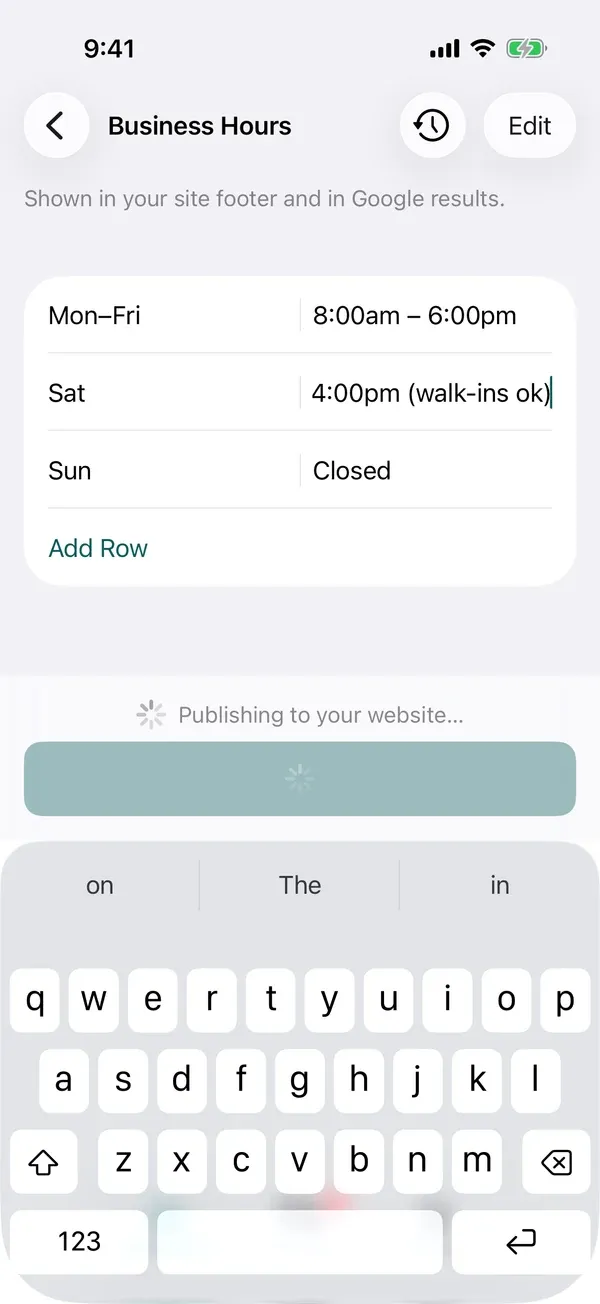
PublishTap Publish Changes and the app shows “Publishing to your website…” while your change goes live.
- Undo
- Every version of your website is saved. If you do not like a change, you can put the earlier version back.
- Banner
- The banner is the notice that runs across the top of every page. You might use it to tell customers you are closed tonight. It goes up in a minute and comes down when you no longer need it.
Ask us in the app and a person answers.
The messages you send in the app go to a person who has worked on your website. We will make a change for you if you would rather not do it yourself.
See what your site did last week.
A report in the app shows how many people visited your website last week. It also shows what they looked at and where they came from. You read it without logging into another system.
It comes with the site.
The app is included in the $125 a month with everything else in your subscription. We set it up on your phone the day your website launches.